
By David Deady


What is Boolean Search?
Boolean Search uses a combination of keywords and the three main Boolean operators (AND, OR, and NOT) to organize and sift through your searches. It produces more accurate and relevant results, allowing you to navigate through appropriate candidates, while disregarding the unrelated. The first important thing to appreciate about Boolean is that there are only five elements of syntax to understand. These are: AND OR NOT () “” By applying these appropriately, along with the keywords you wish to consider, you can create a huge range of search operations. There is no limit to how often you can use any of these elements in a search, so you can create very specific search strings, which will save you a lot of time in filtering the results.Level-up your approach to hiring with SocialTalent’s recruiting training solution.
The AND Operator
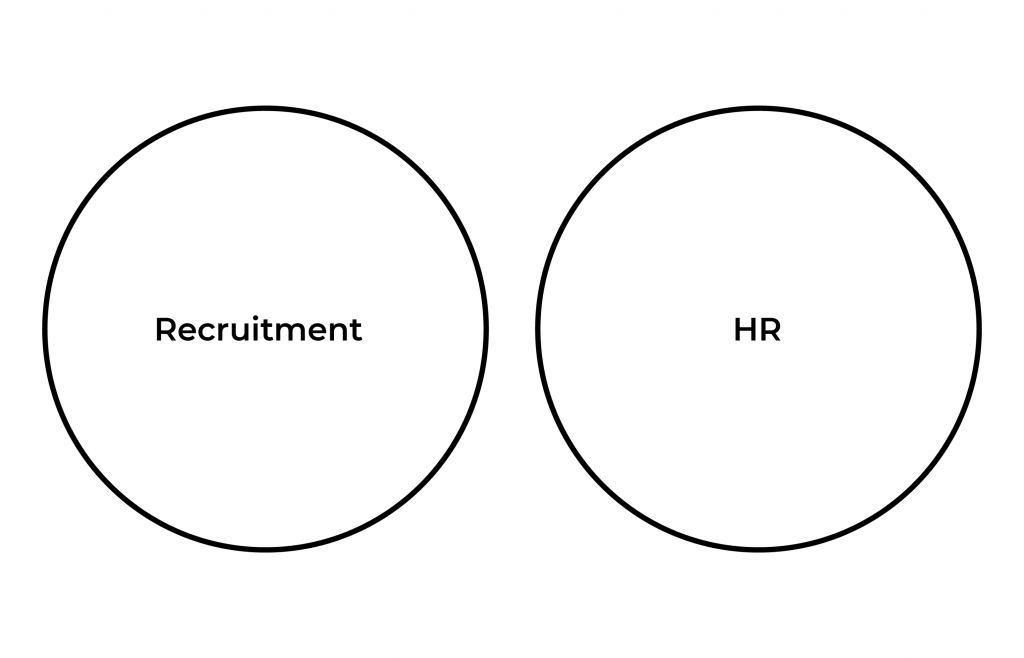
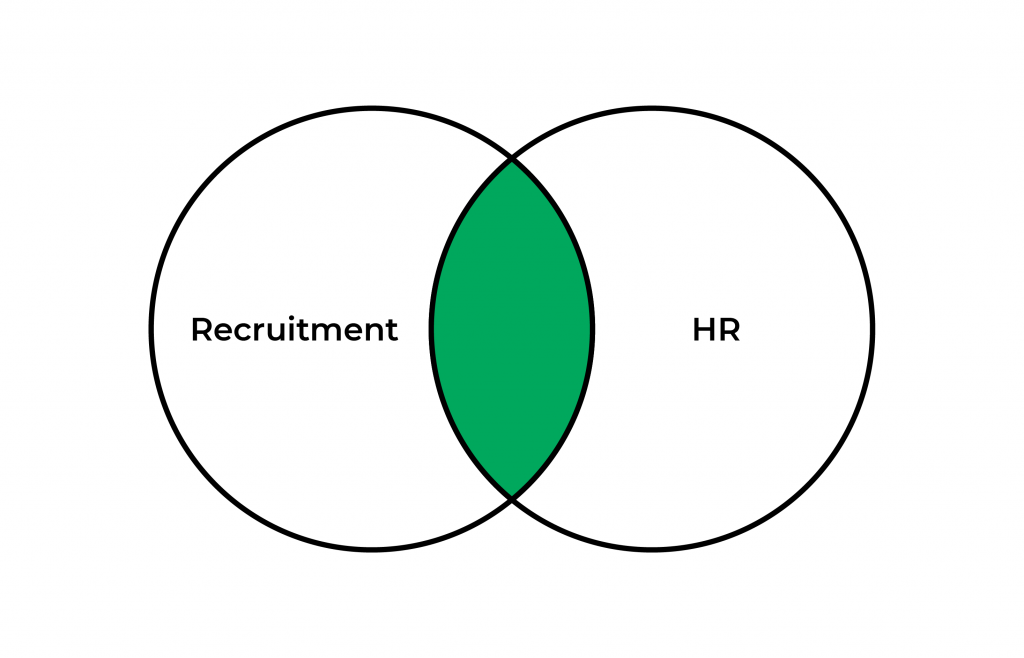
The OR Operator
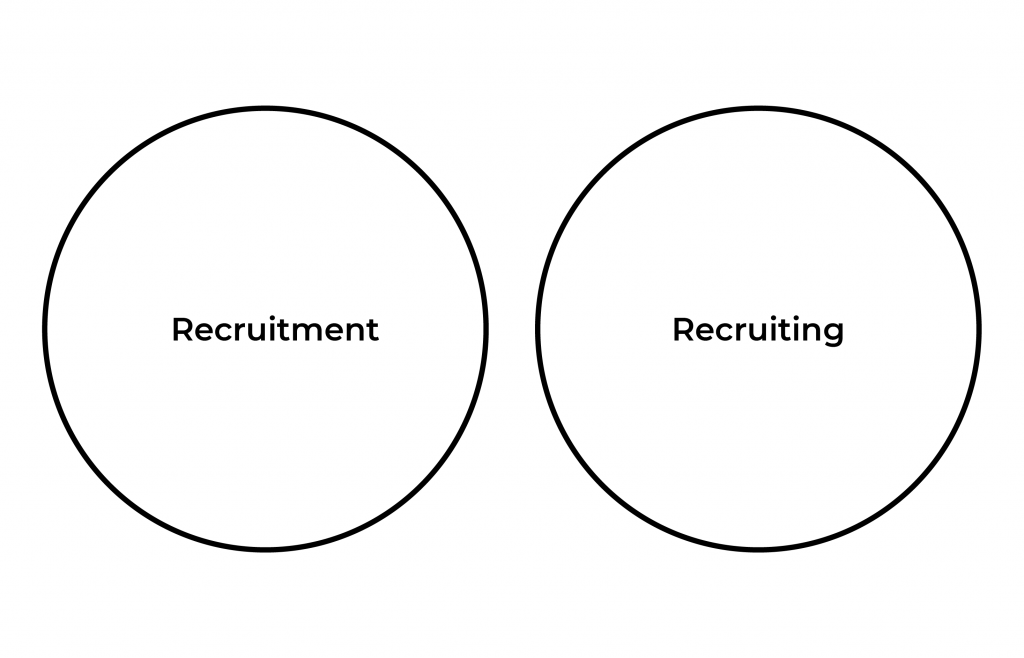
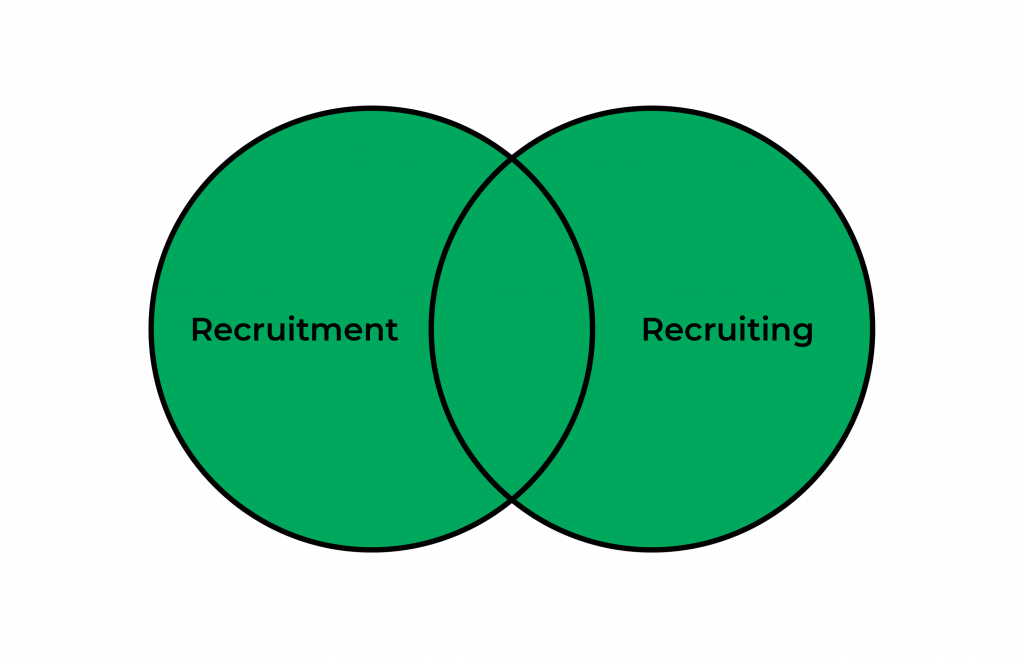
The NOT Operator
Brackets ()
When using Boolean search, there is no way to determine how the computer will solve our equation. This means that in order to get the most relevant result for us, we have to use parentheses to tell the computer what to solve first. This is where using brackets comes into play. Brackets are essential for writing complex search strings, but their application often causes the most confusion amongst recruiters. Essentially, a clause within brackets is given priority over other elements around it. For example, if I was given the following search: talent OR hr AND recruitment Do I mean to say I want to find someone who has either the keyword “talent” or the keyword “HR” on their profile, and has the word “recruitment” too? Or do I mean that they have to have “talent” or the combination of “HR” and “recruitment”? You see, the absence of brackets makes it impossible for the database to know what you mean. Watch how things change when you add brackets. In the following example, I have told the database that I need to find someone who has either “talent” or “HR” or both, and that they also need to have “recruitment”: (talent OR hr) AND recruitment But in the following example, I have told the database that I need to find someone who has “talent” or a combination of “recruitment” and “HR”: talent OR (hr AND recruitment) The most common place that brackets are applied by recruiters is in the use of OR strings. Basically, if you’ve written OR somewhere in your search, think about where the brackets will go because their placement will affect how the computer solves your Boolean search query, which will affect search results you receive back.Quotations “”
The use of quotations allows for even more specificity. If the keywords you’re searching for need to be considered as a whole (e.g. gas engineer), then they must be enclosed within quotation marks in the search string. If not, the database will view the space between the two words as an AND, resulting in larger search that covers both words (gas AND engineer). Not ideal! Use quotation marks whenever you have two or more words in a search that need to remain together like “Human Resources” or “Information Technology”. Quotations essentially define a number of words as one exact term, allowing you to pinpoint more accurately. Today, we’ve explained the bread and butter of Boolean! We hope it helped you gain a better understanding of the fundamentals of Boolean search and made it less daunting to tackle in the future. There are, of course, several other Boolean modifiers you can use to further refine and improve your Boolean searches, as well as many more rules for the use of Boolean in various other search engines and databases beyond LinkedIn.Taking Boolean to Google
Not every profile you want sits behind a LinkedIn login. The same operators work in Google, pointed at public pages instead of a member database. Recruiters call this X-ray search. The operator that makes it work is site:, which limits results to one domain.Five things that quietly break a search
- Writing and, or, not in lower case. The database reads them as ordinary keywords and searches for the words themselves.
- Leaving a two word job title unquoted. Without quotation marks, project manager becomes project AND manager, which returns anyone who has ever managed anything on a project.
- Stacking AND until nothing comes back. Every term you add cuts the pool. When a search returns nothing, take out the least important term first rather than starting again.
- Forgetting brackets around an OR group. The database resolves the ambiguity for you, and usually not the way you meant.
- Searching the job title alone. Titles vary between companies, so a good candidate may never use yours. Search the skill or the tool alongside the title.
Building a string one line at a time
Long Boolean strings are easier to write in stages than in one go. Start with the title and its variants.For a complete and comprehensive guide to mastering the art of Boolean search, check out our dedicated recruiting training on SocialTalent. To learn more, get in-touch with us today.
Frequently Asked Questions
What is Boolean search in recruiting?
Boolean search is a technique that combines keywords with the operators AND, OR, and NOT to organize and filter candidate searches on platforms like LinkedIn, job boards, and Google. Rooted in the logic of mathematician George Boole, it helps recruiters surface more accurate, relevant candidates while filtering out unrelated profiles.
What does the AND operator do in a Boolean search?
The AND operator narrows a search to only the candidates who have all the specified keywords in their profile; for example, “Recruitment AND HR” returns only people with both terms present. The more criteria joined with AND, the smaller and more targeted the resulting candidate pool becomes.
What does the OR operator do in a Boolean search?
The OR operator broadens a search to include candidates who have either of two or more keywords, such as “Recruitment OR Recruiting,” even though a database treats them as entirely separate terms. It helps catch candidates who describe the same skill or experience in different words, so good matches are not missed.
What does the NOT operator do in a Boolean search?
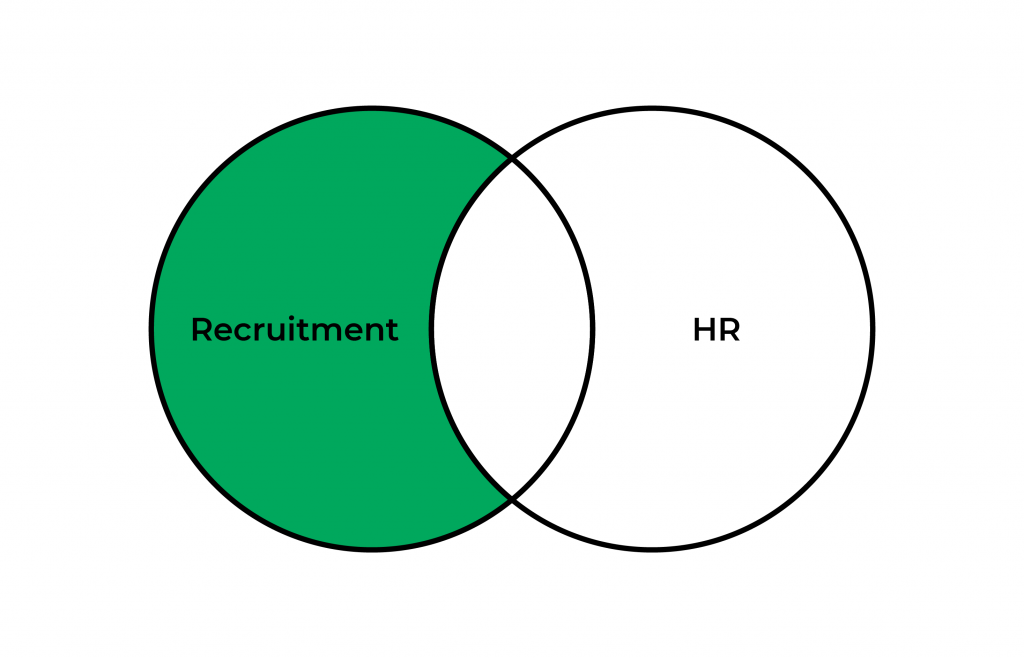
The NOT operator excludes candidates who contain a specified term; for example, “Recruitment NOT HR” finds people with “Recruitment” in their profile while filtering out anyone who also mentions “HR.” It is used to remove false positives and irrelevant profiles from a candidate search.
Why are brackets and quotation marks used in Boolean search strings?
Brackets tell the search engine which part of a Boolean string to evaluate first, since without them a query like “talent OR hr AND recruitment” is ambiguous about how the terms should be grouped. Quotation marks keep multi-word phrases, such as “Human Resources,” treated as one exact term instead of being split apart by an implied AND.
What is X-ray search and how is it different from Boolean search?
X-ray search applies Boolean operators in a general search engine such as Google rather than inside a recruitment database, using the site: operator to limit results to one domain. A string like site:linkedin.com/in “software engineer” AND (python OR django) returns public profiles on that domain. The operators are the same; only the place you run them changes.
Why does my Boolean search return no results?
The most common cause is stacking too many terms with AND, because every term you add makes the pool smaller. Remove the least important term first rather than rewriting the whole string. Lower case operators are the other frequent cause, since a database reads and, or and not as ordinary keywords rather than instructions.